In January 2019, I was contacted for what seemed routine: audit the Linux infrastructure of a commercial company. What I discovered during those first hours of analysis would completely change the project’s direction. The servers were hiding secrets that not even the client knew.
Weeks later, when a power outage left the ERP and PBX offline, those secrets would become the difference between a 45-minute recovery or days of business interruption.
The scenario: when lack of documentation is the problem
The client needed to transfer maintenance of critical servers from their outgoing provider. It was a commercial company with a physical store. The initial scenario was puzzling: virtually non-existent technical documentation, unexplained configurations, and the feeling that something important was missing from the puzzle.
My mission was clear: discover what was really there, document everything, and assess whether the infrastructure could continue or needed urgent migration.
Debian Wheezy without security updates since May 2018. Over a year of unpatched vulnerabilities.
No network maps, no service diagrams, no recovery procedures. Everything to discover.
The discovery: nothing was what it seemed
When “mail server” means something completely different
The first server I analyzed supposedly managed email. But 15 minutes into the investigation, something didn’t add up. Postfix was installed, yes, but it only forwarded internal messages. There was no IMAP service, no user mailboxes. Where was the real email?
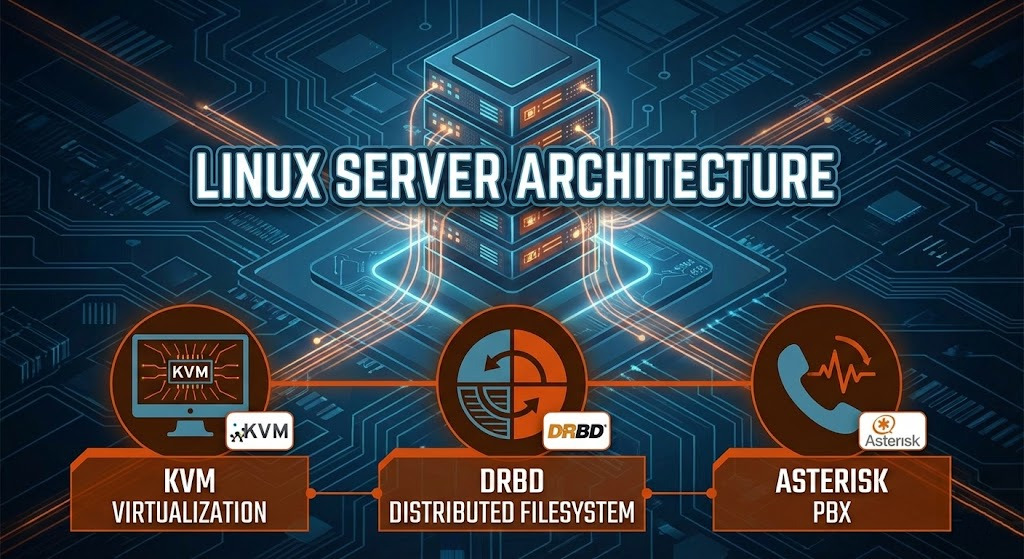
What I did find was much more interesting: a Windows XP virtual machine running on KVM with a DRBD distributed filesystem that theoretically replicated to a secondary server… which was offline.
The “aha” moment
A Linux server running a Windows XP virtual machine with a critical ERP, on top of a distributed filesystem… whose secondary node had been inactive for months. The “high availability” was an illusion.
| Component | Discovered configuration |
|---|---|
| Hardware | Dell PowerEdge R210 II, Intel i3-2100, 4GB RAM |
| Virtualization | KVM running Windows XP for the ERP |
| Storage | DRBD mounted at /var/kvm-images/0 |
| Critical problem | DRBD secondary node inoperative, no real redundancy |
| Operating system | Debian Wheezy (unsupported since May 2018) |
I documented the exact startup command for the virtual machine. This would prove critical weeks later when the system collapsed and I had to manually start it during a crisis.
The PBX: Asterisk at the limit
The second server was more straightforward: an Asterisk PBX with MySQL managing extensions and call records. It worked, but ran on the same obsolete Debian Wheezy. The company’s entire phone infrastructure depended on software without security updates for over a year.
The ghost server: when you find what nobody knew existed
But the email remained a mystery. The domain’s MX records pointed to an IP, but that Linux server had no IMAP or POP3 listening. Postfix logs showed only internal forwards. Where the hell was the real email?
I spent days investigating, verifying configurations, analyzing network traffic. Finally, I confronted the outgoing provider with the facts: “This server doesn’t manage email. There has to be another server somewhere.”
The moment of truth
”We finally discovered that there was a fourth server at the client’s facilities… The mail service uses Postfix as MTA and Dovecot as MDA/LDA and auth, with MySQL as backend.”
— Provider’s response after physically verifying the premises
This saved the project. If I had assumed the first server managed email and started a migration, I would have taken down the company’s entire email. Exhaustive investigation prevented disaster.
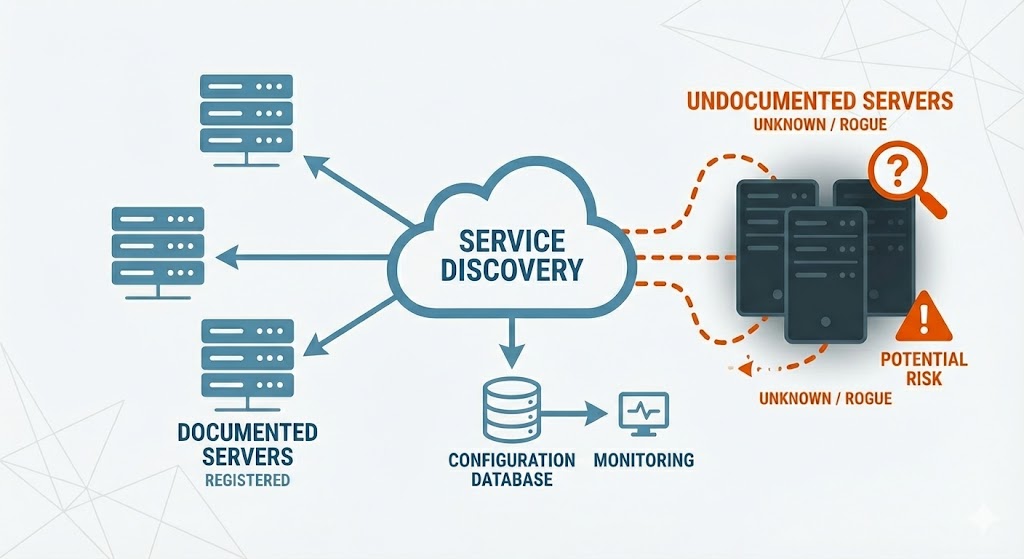
With all infrastructure documented, I delivered a complete report to the client with clear recommendations: migrate email to the cloud, keep Asterisk but plan its update, and above all, be aware that DRBD “high availability” was fiction.
When the crisis arrives: 45 minutes to save a company
February 21, 2019, 9:30 AM
A power outage knocked down all servers. When power returned, nothing started automatically. The ERP managing the entire store: down. The PBX handling commercial calls: silent. The company was paralyzed.
The client called me urgently. The voice on the other end conveyed real concern: “We need this working now. Every hour that passes means lost sales.”
When documentation meets urgency
Having thoroughly documented everything during the audit meant I could quickly identify what to check and where the issue might be. Without that prior work, troubleshooting would have taken significantly longer.
Problem 1: The invisible ERP
The diagnosis was quick: the DRBD filesystem wasn’t mounting automatically because someone had commented out the line in /etc/fstab. Without the mounted disk, KVM couldn’t start the Windows XP virtual machine containing the Sage ERP.
Thanks to my exhaustive documentation from weeks before, I knew exactly what to do:
/etc/fstabRestore the line that automatically mounted the DRBD device
Execute mount /dev/drbd0 /var/kvm-images/0
Use the exact command documented in the audit
30 minutes from call to working store
Problem 2: The amnesiac PBX
With the ERP up, the PBX remained. The problem here was different: Asterisk had changed its IP via DHCP. From 10.100.100.119 to 192.168.1.52. All office phones were statically configured to connect to the original IP. No phone worked.
Reconfiguring each terminal would have taken hours. The elegant solution was creating a virtual interface with the original IP:
ip addr add 10.100.100.119/24 dev eth0:0Elegance under pressure
The server now responded on both IPs simultaneously. Phones kept connecting to their configured IP, and everything worked without touching a single terminal. 15 minutes from diagnosis to fully operational PBX.
The result: 45 minutes and two services saved
Audit: I discovered a fourth undocumented server and prevented a disastrous migration. I identified critical systems running on obsolete infrastructure with no real redundancy.
Crisis: when the power outage brought everything down, exhaustive documentation turned what could have been days of interruption into 45 minutes of surgical recovery.
Lesson: in critical infrastructure, meticulous documentation and deep knowledge aren’t luxuries, they’re the difference between an operating company and a paralyzed one.
What we learned (and what saved the day)
Is your infrastructure ready for a crisis?
If your business depends on critical systems:
- Infrastructure audits that discover what you really have (even hidden servers)
- Exhaustive documentation that turns days-long recoveries into minutes
- Disaster recovery when every minute counts and the business is paralyzed
- Legacy systems forensic analysis with undocumented complex architectures
- Modernization recommendations to migrate to cloud without interrupting operations
With over 20 years of Linux systems administration experience, I turn undocumented infrastructures into known, predictable, and recoverable systems.
Specialized in KVM virtualization, distributed filesystems, Asterisk PBX, and emergency recovery when seconds count.
Get in touch →

About the author
Daniel López Azaña
Tech entrepreneur and cloud architect with over 20 years of experience transforming infrastructures and automating processes. Specialist in AI/LLM integration, Rust and Python development, and AWS & GCP architecture. Restless mind, idea generator, and passionate about technological innovation and AI.
Related projects
Optimalway: AWS Infrastructure & Optimization
Scalable AWS infrastructure with auto-scaling for PHP/Java apps, MongoDB optimization, and Apache/PHP-FPM/Tomcat performance analysis. Trusted cloud partner.
Témpolo Motor - Complete AWS Cloud Infrastructure
Comprehensive AWS cloud infrastructure design and deployment for automotive review platform Témpolo Motor, including multi-environment server architecture, domain migration, and 3 years of continuous technical support with 99.9% uptime.
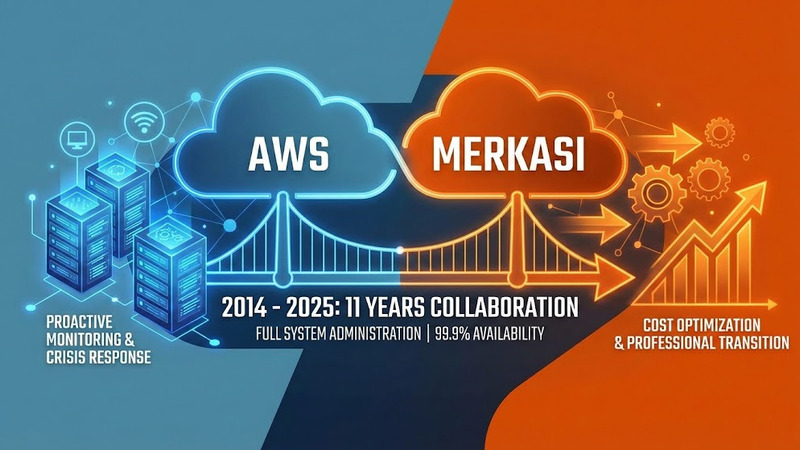
11-Year AWS Infrastructure Partnership - Complete System Administration for Web Hosting Company
Decade-long AWS infrastructure management delivering 99.9% uptime through proactive monitoring, crisis response, cost optimization, and seamless business transition. A professional relationship built on trust, pragmatic solutions, and continuous evolution.
Comments
Submit comment