Back in 2012, when managing dozens of PHP-based websites and applications, I faced a recurring challenge: MySQL database backups were unnecessarily complex. The standard mysqldump command-line tool required shell access (often unavailable in shared hosting), while existing PHP backup scripts were either bloated with features or simply didn’t work reliably. I needed something simple, fast, and bulletproof. So I built myphp-backup, a pair of lightweight PHP scripts that have since been adopted by thousands of developers worldwide for backing up and restoring MySQL databases.
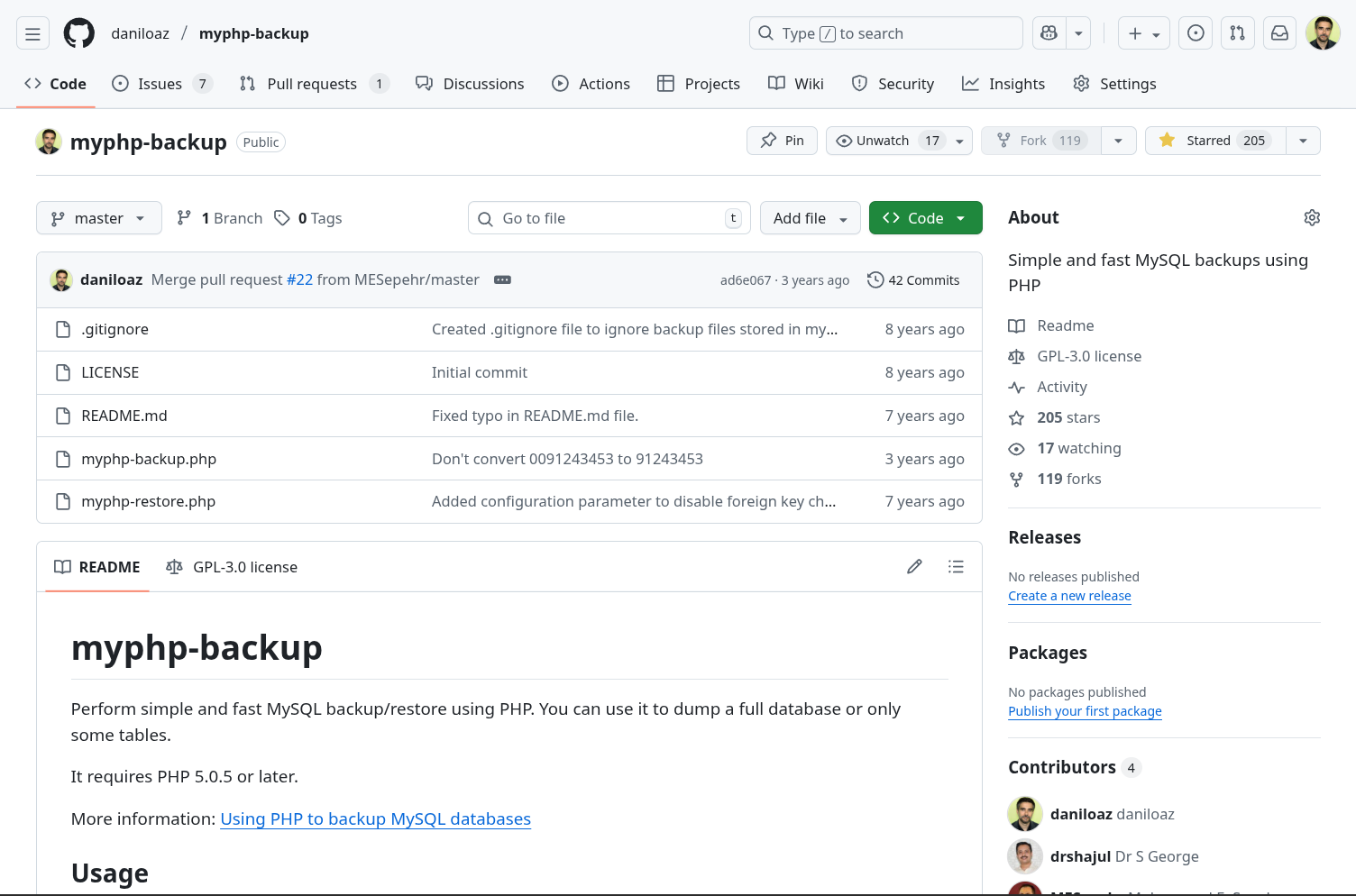
The Challenge: Simple, Reliable Database Backups in PHP
The Problem with Existing Solutions
In the early 2010s, PHP developers managing WordPress sites, custom applications, or content management systems faced several database backup challenges:
Shell Access Limitations:
- Many shared hosting providers disabled shell access
mysqldumpcommand-line tool unavailable in restricted environments- cPanel backup tools often cumbersome and inflexible
- Automated backup scripts required SSH access
Existing PHP Solutions Were Inadequate:
- Bloated scripts - thousands of lines for simple tasks
- Unreliable execution - memory exhaustion on large databases
- Poor error handling - silent failures with no diagnostics
- Vendor lock-in - tied to specific frameworks or CMSs
- Complex dependencies - required libraries not always available
Real-World Consequences:
- Websites without reliable backups
- Hours wasted on backup troubleshooting
- Data loss incidents when restore was needed
- Expensive custom scripts for simple tasks
The Use Case
I was managing numerous client websites across different hosting environments:
- WordPress sites on shared hosting (limited access)
- Custom PHP applications with MySQL databases
- Development environments requiring frequent database snapshots
- Testing workflows needing quick restore capabilities
- Disaster recovery plans requiring automated backups
Requirements:
- Work in ANY PHP environment (≥ PHP 5.0.5)
- No external dependencies beyond MySQL extension
- Handle databases with hundreds of tables
- Support partial backups (specific tables only)
- Gzip compression for storage efficiency
- Fast execution without memory exhaustion
- Simple enough to understand and modify
- Command-line and web execution
The Solution: Two Simple, Powerful Scripts
I developed myphp-backup as two complementary PHP scripts totaling less than 500 lines of clean, documented code:
1. myphp-backup.php - Database backup utility 2. myphp-restore.php - Database restoration utility
Design Philosophy
Simplicity Above All:
- Single-file scripts requiring no installation
- Direct MySQL communication without abstraction layers
- Configurable via simple defines at the top of each file
- Copy, configure, run - that’s it
Performance Optimized:
- Batch processing prevents memory exhaustion
- Configurable batch sizes for different environments
- Incremental file writing keeps memory footprint minimal
- Efficient gzip compression on-the-fly
Production Ready:
- Comprehensive error handling and reporting
- Progress output for monitoring long operations
- Timestamped backup files for easy identification
- Automatic directory creation
- Foreign key constraint handling
Core Features and Capabilities
1. Flexible Backup Options
Full Database Backup:
define("TABLES", '*'); // Backup entire databasePartial Backup:
define("TABLES", 'table1, table2, table3'); // Specific tables onlyTable Exclusion:
define('IGNORE_TABLES', array(
    'cache_data',
    'temporary_logs'
)); // Skip specific tables
Benefits:
- Backup only what you need
- Skip cache and temporary data
- Reduce backup size and time
- Flexible for different scenarios
2. Automatic Gzip Compression
Compressed Backups:
define("GZIP_BACKUP_FILE", true); // Enable compressionResults:
- 5-10x smaller backup files
- Faster remote transfers
- Reduced storage costs
- Automatic .gz file handling
Output:
myphp-backup-database-20251203-143022.sql.gz3. Memory-Efficient Processing
Batch Processing System:
define("BATCH_SIZE", 1000); // Rows per batchHow It Works:
- Processes large tables in configurable batches
- Each batch written to file immediately
- Memory usage remains constant regardless of table size
- Prevents PHP memory_limit exhaustion
Real-World Impact:
- Backup databases with millions of rows
- Work in constrained hosting environments
- No memory limit configuration needed
- Reliable execution on any server
4. Smart Execution Modes
Web Browser Execution:
- Upload script via FTP
- Access via URL:
http://example.com/myphp-backup.php - Monitor progress in real-time
- Works without shell access
Command-Line Execution:
php myphp-backup.phpBenefits:
- Perfect for cron jobs
- Automated scheduled backups
- Server-side automation
- Integration with deployment scripts
5. Intelligent Restore Capabilities
Automatic Detection:
- Detects gzipped vs. plain SQL files
- Handles files of any size
- Incremental processing prevents timeouts
- Comprehensive error reporting
Safe Restoration:
define("DISABLE_FOREIGN_KEY_CHECKS", true);Features:
- Temporarily disables foreign key constraints
- Prevents constraint violation errors
- Automatically re-enables after restore
- Clean state guaranteed
Real-World Adoption and Impact
Community Statistics
Use Cases Across Industries
WordPress Developers:
- Pre-update database snapshots
- Development environment cloning
- Client site migrations
- Disaster recovery backups
PHP Application Developers:
- Automated nightly backups
- Testing environment refreshes
- Data migration workflows
- Continuous integration pipelines
System Administrators:
- Shared hosting backup solutions
- Multi-tenant backup automation
- Disaster recovery procedures
- Development-to-production workflows
Real Testimonials:
The project’s GitHub issues and forks demonstrate worldwide usage across:
- E-commerce platforms
- Educational institutions
- Corporate intranets
- SaaS applications
- Content management systems
Technical Implementation
The Backup Process
1. Database Connection:
$conn = mysqli_connect($host, $username, $passwd, $dbName);
mysqli_set_charset($conn, $charset);
2. Table Discovery:
$result = mysqli_query($conn, 'SHOW TABLES');
while($row = mysqli_fetch_row($result)) {
    $tables[] = $row[0];
}
3. Structure Export:
$row = mysqli_fetch_row(mysqli_query($conn, 'SHOW CREATE TABLE `'.$table.'`'));
$sql .= "\n\n".$row[1].";\n\n";
4. Data Export in Batches:
for ($b = 1; $b <= $numBatches; $b++) {
    $query = 'SELECT * FROM `' . $table . '`
              LIMIT ' . ($b * $batchSize - $batchSize) . ',' . $batchSize;
    $result = mysqli_query($conn, $query);

    // Process and write batch
    file_put_contents($backupFile, $sql, FILE_APPEND | LOCK_EX);
}
5. Compression:
$fpOut = gzopen($dest, 'wb9'); // Maximum compression
while (!feof($fpIn)) {
    gzwrite($fpOut, fread($fpIn, 1024 * 256));
}
The Restore Process
1. File Detection:
$backupFileIsGzipped = substr($backupFile, -3, 3) == '.gz' ? true : false;
if ($backupFileIsGzipped) {
    $backupFile = $this->gunzipBackupFile();
}
2. Incremental SQL Execution:
$handle = fopen($backupDir . '/' . $backupFile, "r");
while (($line = fgets($handle)) !== false) {
    $sql .= $line;
    if (preg_match('/;$/', $line)) {
        mysqli_query($this->conn, $sql);
        $sql = '';
    }
}
Production Features
Usage Example
Basic Backup Setup:
/**
 * Edit these parameters in myphp-backup.php
 */
define("DB_USER", 'your_username');
define("DB_PASSWORD", 'your_password');
define("DB_NAME", 'your_database');
define("DB_HOST", 'localhost');

define("BACKUP_DIR", 'myphp-backup-files');
define("TABLES", '*'); // Full backup
define("CHARSET", 'utf8');
define("GZIP_BACKUP_FILE", true);
define("BATCH_SIZE", 1000);
Run Backup:
Via web browser:
http://www.example.com/myphp-backup.phpVia command line:
php myphp-backup.phpAutomated Backups (Cron):
# Daily backup at 3 AM
0 3 * * * cd /path/to/scripts && php myphp-backup.php
Output:
2025-12-03 14:30:22 - Backing up `wp_posts` table...OK
2025-12-03 14:30:24 - Backing up `wp_postmeta` table...OK
2025-12-03 14:30:26 - Backing up `wp_users` table...OK
...
2025-12-03 14:31:45 - Gzipping backup file... OK
Backup result: OK
Restore Setup:
/**
 * Edit these parameters in myphp-restore.php
 */
define("DB_USER", 'your_username');
define("DB_PASSWORD", 'your_password');
define("DB_NAME", 'your_database');
define("DB_HOST", 'localhost');

define("BACKUP_DIR", 'myphp-backup-files');
define("BACKUP_FILE", 'myphp-backup-database-20251203-143022.sql.gz');
define("CHARSET", 'utf8');
Run Restore:
php myphp-restore.phpOpen Source Impact
Why Open Source?
Although originally developed for my own client projects, I released myphp-backup as open-source software under GPL-3.0 license because:
1. Universal Need
- Database backups are fundamental to all PHP/MySQL projects
- No good simple solution existed in the public domain
- Thousands of developers face the same problem daily
2. Community Improvement
- Bug reports from diverse use cases improved reliability
- Feature suggestions enhanced functionality
- Code reviews ensured quality and security
3. Developer Empowerment
- Gives PHP developers a reliable backup solution
- Reduces dependency on expensive backup services
- Enables disaster recovery for budget-constrained projects
4. Educational Value
- Clean code serves as learning material
- Demonstrates PHP/MySQL best practices
- Shows effective batch processing techniques
Continued Maintenance
The project has been actively maintained since 2012:
- Regular updates for PHP version compatibility
- Bug fixes based on community feedback
- Feature enhancements for modern MySQL versions
- Documentation improvements for clarity
The simplicity of the codebase makes it easy to maintain and ensures long-term viability.
Technical Achievements
Conclusion
myphp-backup demonstrates that sometimes the best solutions are the simplest ones. By focusing on core functionality, clean code, and universal compatibility, this project has served thousands of developers for over a decade. It proves that open-source contributions don’t need to be complex frameworks or revolutionary technologies; sometimes, a well-crafted utility that solves a common problem elegantly is exactly what the community needs.
The project continues to be actively used and maintained, serving as a reliable backup solution for PHP/MySQL applications worldwide. Its longevity and adoption validate the design principles of simplicity, reliability, and universal compatibility.
Need PHP development or database management expertise?
For projects requiring:
- PHP application development and optimization.
- Database architecture and management.
- Backup and disaster recovery solutions.
- WordPress development and custom plugins.
I bring decades of experience in PHP development, MySQL optimization, and building reliable systems. Available for consulting and development on web applications and database projects.
Get in touch →

About the author
Daniel López Azaña
Tech entrepreneur and cloud architect with over 20 years of experience transforming infrastructures and automating processes. Specialist in AI/LLM integration, Rust and Python development, and AWS & GCP architecture. Restless mind, idea generator, and passionate about technological innovation and AI.
Related projects
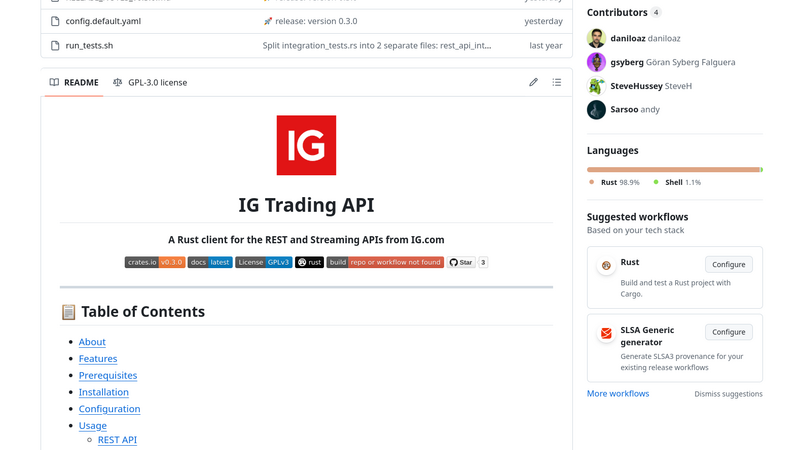
IG.com Rust Client - Open Source SDK for Algorithmic Trading
Professional Rust SDK for IG.com REST and Streaming APIs. First complete Rust client library enabling integration with algorithmic trading platforms, account management, order execution, and real-time market data. Published on crates.io as open-source contribution.
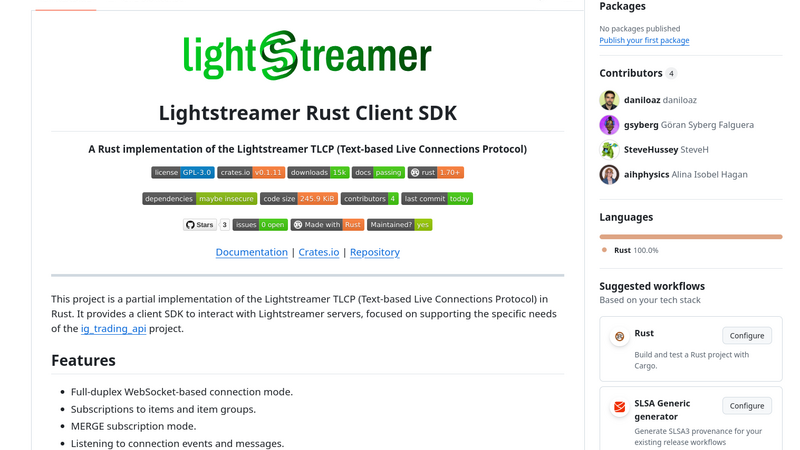
Lightstreamer Rust Client SDK - Open Source Real-Time Messaging Library
Professional Rust client SDK for Lightstreamer real-time messaging server. Implements TLCP protocol with WebSocket support, enabling live data streaming for financial applications, IoT systems, and real-time platforms. Published on crates.io as open-source contribution to Rust ecosystem.
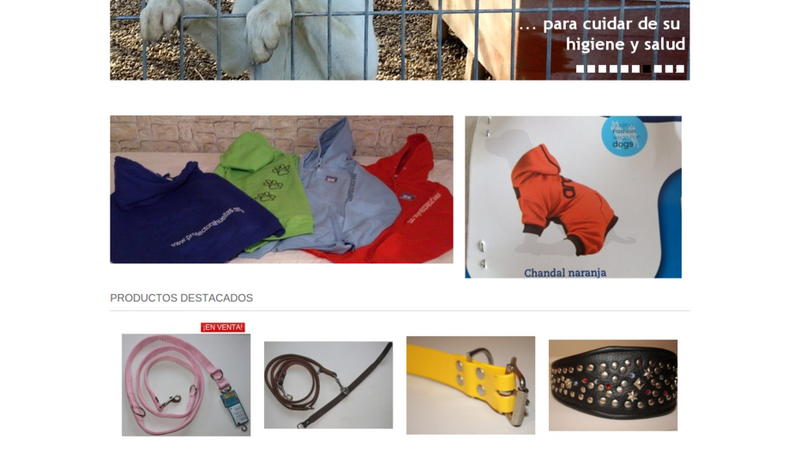
Animal Shelter Solidarity Shop - PrestaShop E-commerce for Non-Profit Fundraising
Complete PrestaShop-based solidarity e-commerce platform developed pro-bono for Huellas Animal Shelter, featuring product catalog management, shopping cart, customer accounts, order processing, payment integration, and comprehensive admin panel. Ready-to-deploy solution available free for other animal shelters and NGOs. 2-month pro-bono development.
Comments
Submit comment